What Sets a Labgen Lab Apart
Most lab software was built for one computer in one room. Here is what changes for the lab owner, the technician, the pathologist, the patient and the doctor when a lab runs on Labgen instead.
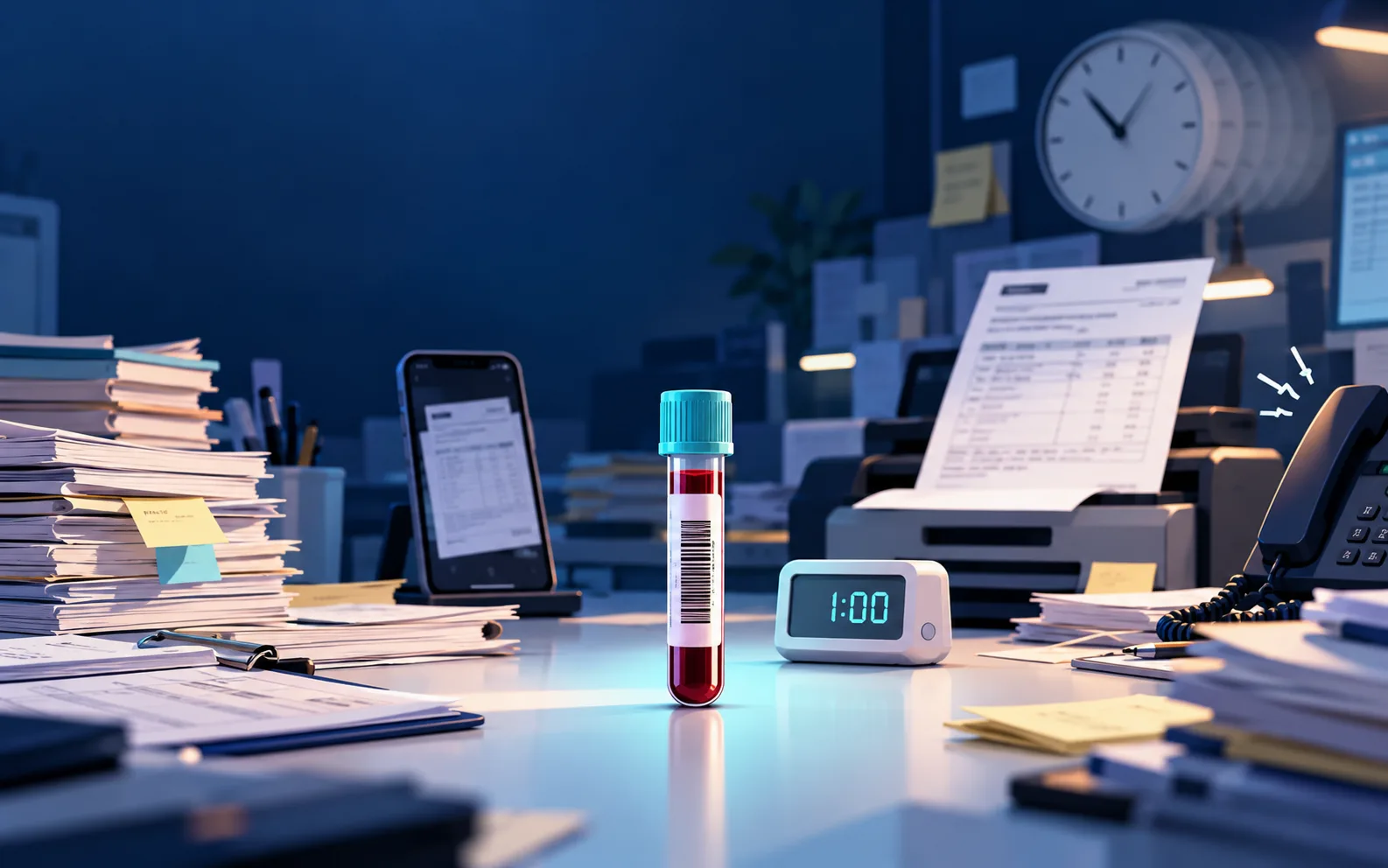
Walk into most diagnostic labs in India and you will find the same software story. One desktop computer runs the lab program. Results are read off the analyser screen and typed in by hand. Reports are printed, signed, scanned and photographed for WhatsApp. If that one computer fails, the lab is in trouble.
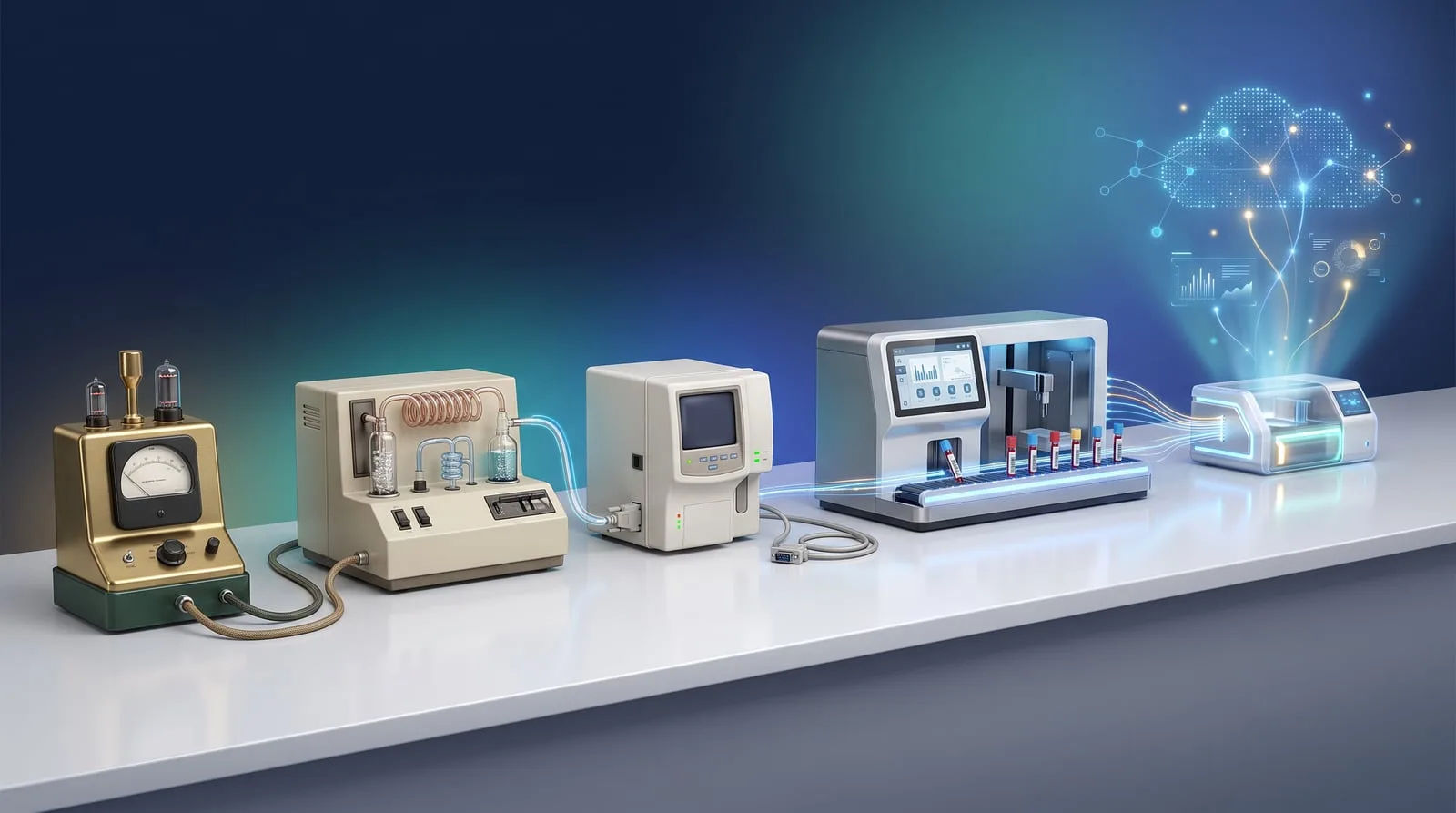
Labgen was built to change that story, not to repaint it. This article walks through the features that make the biggest difference day to day, and who each one helps. If you run a lab, work in one, or send patients to one, this is what you can expect from a lab on Labgen.
At a glance
| How many labs still work | How a Labgen lab works |
|---|---|
| Software installed on one PC, data in that PC | Runs in the browser, on every counter and every branch, with nothing to install for daily work |
| Results typed in from the analyser screen | Results flow straight from the analyser into the patient's report |
| A register, or memory, tells you what is pending | A live board shows every sample's stage and when it is due |
| A photo of the printout goes on WhatsApp | A secure link to the real report goes on WhatsApp |
| Patients phone to ask what a result means | Patients read a plain-language explanation on their phone |
| Changes to a result leave no trace | Every change records who made it, when and why |
| Reports all look like the software's default | Reports look like your lab, down to the letterhead |
1. Results come from the machine, not the keyboard
Every typed result is a chance for a typo. A missed decimal point in a platelet count is not a small mistake.
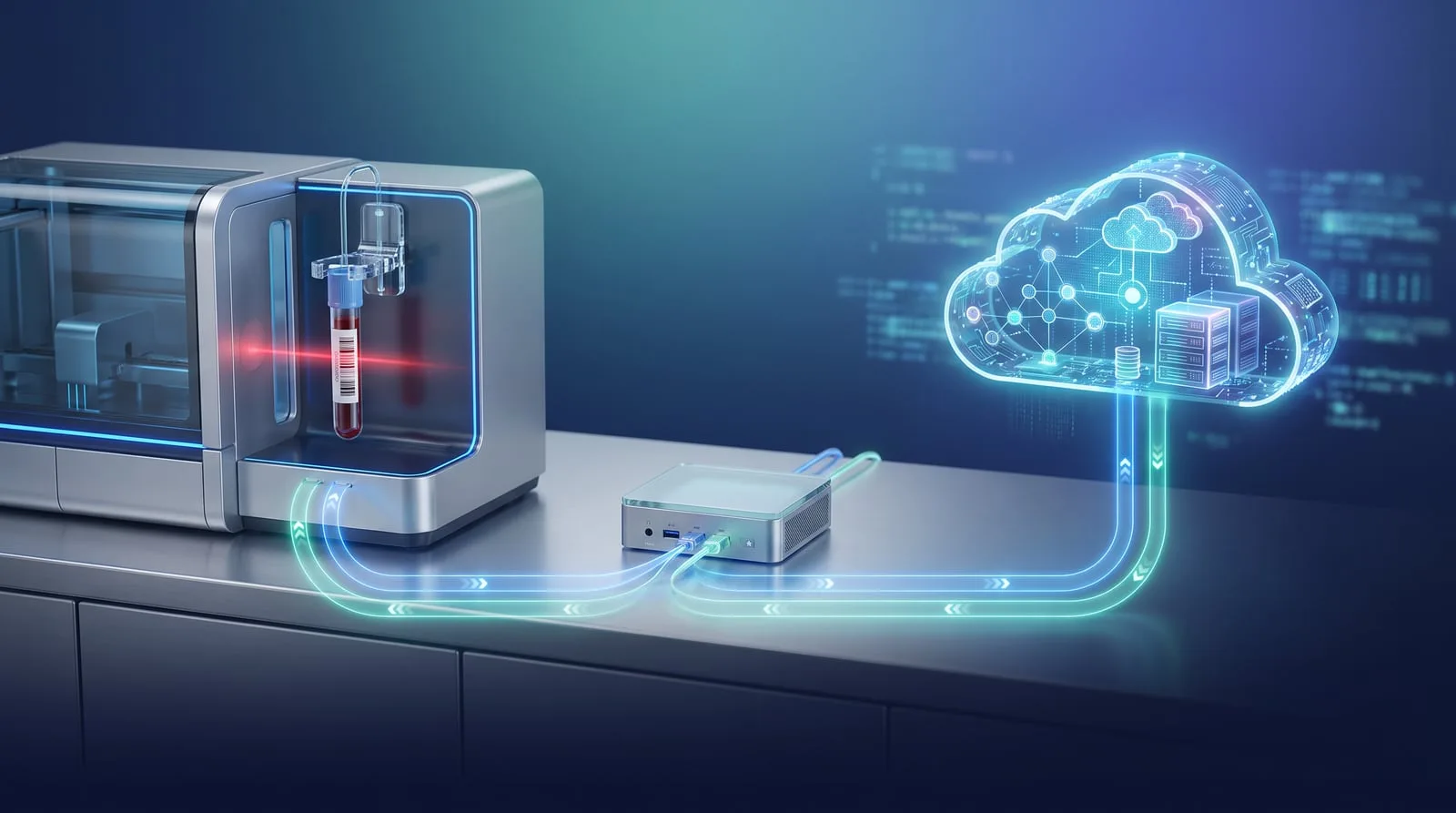
Labgen connects to your analysers through a small program called LabGen Bridge, installed on the PC next to the machine. You pair it with your lab using a code, and from then on results travel from the analyser to Labgen on their own. They are matched to the right patient by the tube's barcode, and they land in the right fields of the right test. Analysers from makers such as Sysmex and Mindray are already reporting live this way.
A few things make this dependable rather than fragile:
- Mapping check. Before a single patient report goes out, you can see exactly which field each analyser value will fill.
- Connection tester. If an analyser sends something Labgen can't read, you can see exactly what it sent, instead of guessing.
- Nothing gets lost. A result that can't be matched to a sample waits under Unmatched Results to be assigned, and a new Entries icon beside the bell shows every result your analysers have sent in.
- Your units, your ranges. Values are converted to the units your lab prints, and only the fields the test actually has are filled.
2. A work queue everyone can see
In a busy lab, the hardest question is often the simplest one: where is this patient's report?
The Report Status board answers it. Every visit sits at its stage, from sample collected to report released, and staff move it forward as they work. Each test has its own turnaround time (TAT), so the board shows when each visit is due and turns it red once it is overdue. Open a visit to see each test's own due time, so a quick test running late is spotted even while a slower test on the same visit still has time.
A glance at the report icon tells you whether a report is Provisional (signed but not yet released) or Final. And for a walk-in who needs a report fast, staff with permission can use Create Report: pull the results from the machine, check them and print, all from one screen.
3. Two sign-offs, and a record of every change
A report should never reach a patient without being checked. In Labgen, a technician verifies the results, then a pathologist authorises them. Each step is recorded with the name of the person who took it.
- Every value is checked against the right range: the reference range for the patient's age and gender. High and low values are flagged as soon as they are entered.
- Critical values stand out. Dangerously abnormal results are flagged so the team can act and inform the doctor quickly.
- Nothing changes quietly. If a result is changed after it has been authorised, Labgen asks for a reason and the Data Logger records who changed what, and when. Edits to patient details are recorded too.
4. Ready for NABL from day one
Accreditation is hard work, and the software should help rather than add to it. Labgen is built around what an NABL / ISO 15189 assessor looks for.
- Tick the parameters that fall inside your NABL scope, test by test.
- Show your accreditation logos beside the signatures on your reports.
- NABL labs authorise every report from the Verify queue, so no report is signed off without being reviewed.
- MIS measures TAT compliance against each test's target, along with staff productivity and how quickly critical values were acknowledged.
We are also honest about the gaps. Where Labgen does not yet measure something, such as sample rejection rates, the reports say so, so nobody is caught out in front of an assessor.
5. Reports that look like your lab
A lab that has built its name over decades doesn't want its reports to look like everyone else's. In Labgen, you design them.
- A drag-and-place template designer. Place the blocks you want: patient details, result tables, methods, notes and signatures. You can see page breaks as you design, and repeat the header and footer on every page.
- Your letterhead, automatically. Add it once and it goes on every report. If you print on pre-printed letterhead paper, switch on that mode: the paper copy leaves space for your header, and the digital copy still carries it.
- Write-ups, not just numbers. Histopathology and similar reports need paragraphs. A parameter can be marked Descriptive and filled in with formatted text, with bold, lists and colour, starting from your lab's default wording.
- Calculated values fill themselves in. Give a parameter a formula and Labgen works it out from the other results as they are entered.
- Your names and units. Choose how each parameter is named, which unit it prints in and which method it shows.
- Your invoice too. Design the bill with your logo, address and contact details.
6. One complete report, even when a test goes elsewhere
Most labs send some tests to a partner or reference lab. Usually the patient ends up with two separate reports, from two labs, on two different days.
In Labgen, you mark which tests are outsourced and to which partner. When the partner's report arrives, you upload their PDF and Labgen releases it. If a visit had tests done in your lab and at the partner, the patient gets one combined report: your results and the partner's, together in a single PDF.
You can also club some or all of a visit's finished reports into one PDF whenever a patient or doctor prefers a single file.
7. A report you can verify with your phone
Every authorised report carries its own QR code. Scan it and it opens the report the lab authorised, from Labgen, without a login. Not a copy, not a photo, and not something anyone could have edited along the way.
This changes how reports are shared. When the lab sends a report on WhatsApp, Labgen sends a private link to that report, which can't be guessed, and the invoice gets a link of its own too. Patients also get an SMS when they register and again when their report is released.
8. Patients and doctors get their own portals
A report is only useful if the right people can read it.
- Patients sign in to the Labgen patient portal and see every visit and every report in one place, on any phone. Abnormal results are shown first. Tapping Explain in simple words turns a line like "Hb 10.8 g/dL L" into a plain explanation. Patients see a report only after the lab has released it.
- Doctors sign in to the doctor portal and see the reports of patients they referred, across every lab they work with, with the same statuses the lab sees. No calls to ask whether a report is ready.
- Phlebotomists can register, find labs near them by PIN code, and work with the labs they choose.
9. Your catalogue, your prices, your partners
Setting up tests is one of the slowest parts of moving to new software. Labgen starts you with a ready-made master catalogue of more than 300 tests, with their parameters and reference ranges, and test packages that group several tests together. From there, everything can be your own:
- Set your own prices and your own reference ranges by age, gender and other bands. Your changes apply to your lab only.
- Set a turnaround time for each test, and add notes that print under a parameter's result.
- Manage referred doctors and collection centres, with their commission, credit and billing terms, and statements for each one.
- Run a membership scheme: patients join a yearly tier and get a discount on their tests, and the fees are kept separate in your accounts.
10. Know how your lab is doing
Lab owners often run the business from the cash register and memory. Labgen gives owners and managers real figures.
- MIS reporting covers billed revenue, collections, outstanding payments, discounts and refunds, payment modes, top tests, top referring doctors, new versus returning patients, and TAT compliance. Every report prints cleanly or exports to CSV for your accountant.
- AI Insights opens with a summary of last week, then shows which patients may be lapsing, who is due back in the next two weeks, which tests are often ordered together, and where revenue is heading. Every figure comes from your own records.
- Campaigns let you send SMS and email messages to your patients, such as a reminder to those who are due back, using prepaid credits.
11. Built for how Indian labs actually work
- One account, many labs. Run several labs or branches from one login and switch between them. Each keeps its own data.
- Everything in India time. Every date and time on screen and on reports is shown in IST.
- Messages only when the work is saved. An SMS or email goes out only after the change behind it has been saved, so a patient is never told about a report that doesn't exist.
- Verified labs only. Every lab is approved by our team before it goes live.
- Your team in one place. Built-in team chat means staff can message each other without leaving Labgen.
- Even the supply cupboard. Order reagents and consumables from your own suppliers through Lab Supply. They receive the order by email and SMS, and closed orders show up in your purchase register.
The detail is where it counts
The features above are the headlines. What really sets Labgen apart is the detail underneath them. We have gone through the app screen by screen, field by field, asking what could go wrong at a busy counter and closing each gap one at a time.
Here is one example. In India we write a platelet count of one and a half lakh as 1,50,000. Most software reads that comma as the end of the number, so the value it saves is 1. On the report, a healthy patient now appears to have almost no platelets at all.
In Labgen, the moment a comma or a stray letter goes into a number field, the box turns orange and shows a warning, both while the result is entered and again on the review screen before it is signed off. Values like 150000, <0.5 or >= 1000 pass straight through. It takes a second to notice, and it stops a frightening report from ever reaching a patient.
There are hundreds of small decisions like this across Labgen. Most of them you will never notice, and that is the point.
It keeps getting better
Labgen is updated every week, often several times a week, and much of what changes comes straight from the labs using it. Every change is listed, with its date and time, in our changelog.
The difference, in one sentence
A Labgen lab spends less time copying, chasing and explaining, and more time on what matters: an accurate report in the right hands, as soon as it is ready.
Want to see it for yourself? Try the working demo, read the guides or see the plans.